





How Does FTx Pulse Work?
FTx Pulse helps you set up and manage product data faster using our pre-built global product database. Import products, enhance product information, access images, and keep your data consistent across your FTx tools.
-

Data Updates
Keep existing product information up to date.
-
Attribute Mapping
Match product attributes with established data.
-
Bulk Uploading
Add multiple products at once using a CSV file.
-
Validation Checks
Identify missing, incorrect, or duplicate data before upload.


FTx Pulse Training Courses
Global Pricebook
- Access the Global Pricebook and select an industry
- Search and filter products
- Narrow results with Category, Sub-Category, and Custom Filters
- Review product information and copy products to your pricebook


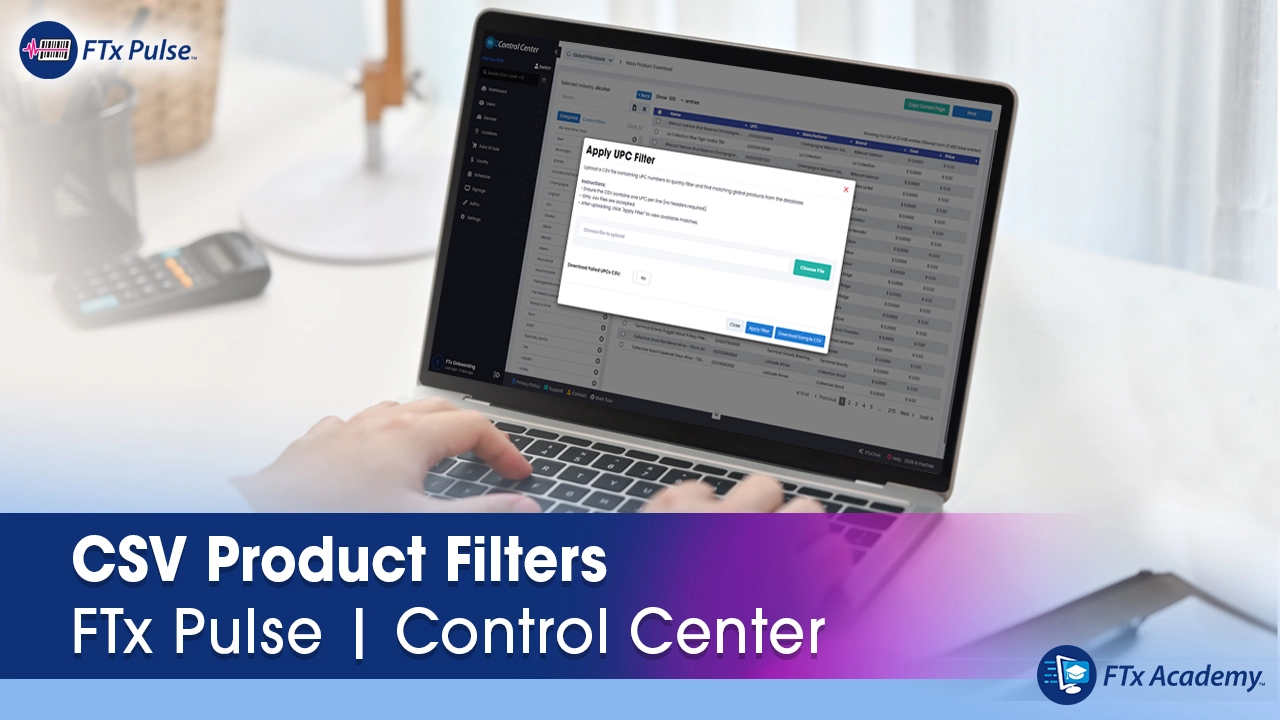
Using CSV Upload and Apply UPC Filter in the Global Pricebook
- Prepare and upload a CSV containing multiple UPCs
- Apply the UPC filter
- Identify matching products within the selected industry
- Use proper UPC formatting and handle unmatched products

Adding New Products Using Global UPC
FTx Cloud POS.
- Enter a Global UPC and retrieve matching product information
- Review or use Global Product details
- Make necessary updates
- Complete the product creation process in the store Pricebook


Meet Your Instructor
Bhavesh Poptani
Bhavesh is an ecommerce expert passionate about efficiency and innovation. With deep experience in inventory control and product cataloging, he helps businesses master FTx Commerce and streamline listings using the FTx Global Product Database course. Move your store online quickly and confidently — and set the stage for rapid growth.